
Say goodbye to outdated paper menus and embrace the future of dining with My QR Menu!
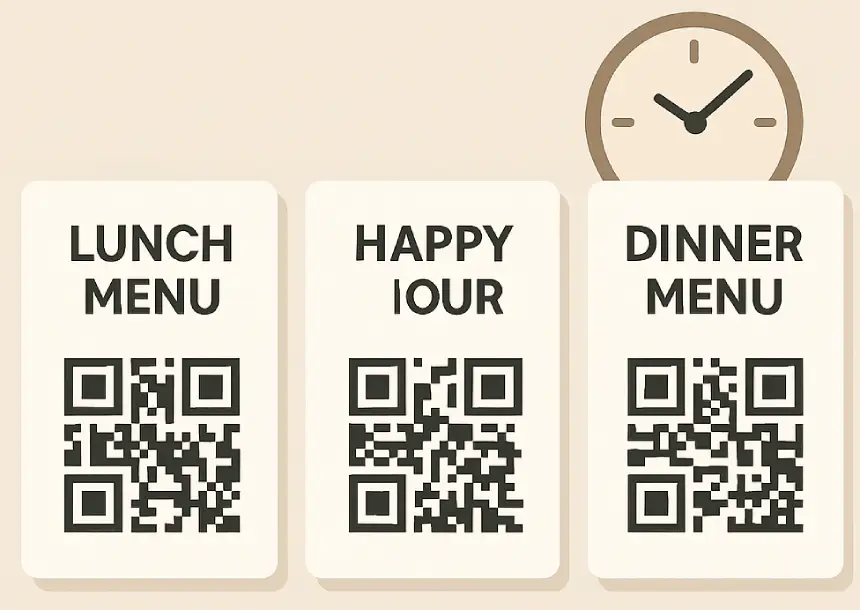
Set It and Forget It with Smart Menu Scheduling
Create daily specials, happy hours, or lunch menus that appear automatically at specific times. MyQRMenu’s Smart Category Scheduling keeps your digital menu organized and dynamic — no manual switching needed.
Try Scheduling →Multiple Menus for Every Location or Area
Manage up to 10 digital menus under one account with the Multi-Menu Builder. Assign a unique QR code for each area — guests always see the right menu.
Try Multiple Menus →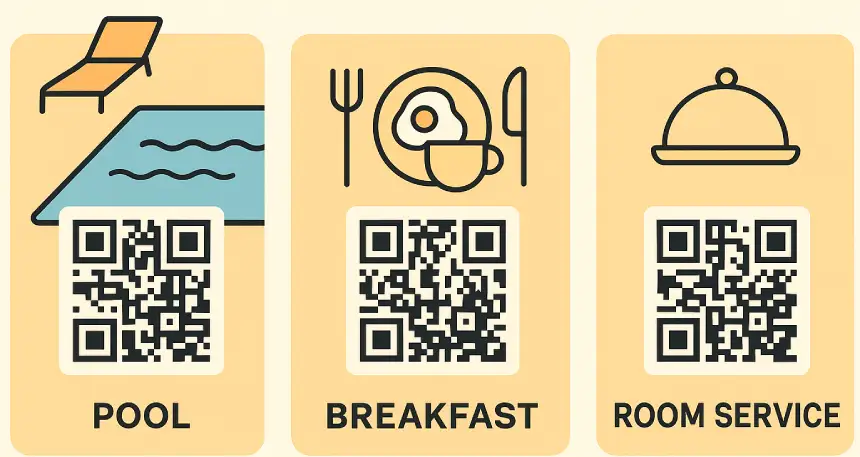
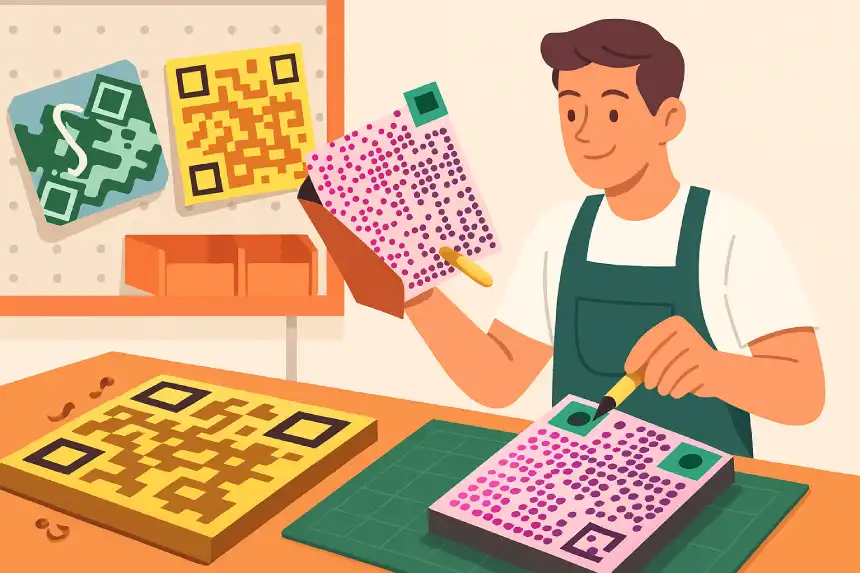
Create Beautiful Branded QR Codes
Design unique QR codes featuring your logo, colors, and style. Perfect for cafés, restaurants, and hotels looking for a branded experience.
Build Your Branded QR →Start Your Digital QR Menu Today
Create your first QR menu in minutes — no credit card, no setup fee. Join restaurants that already simplified their service.
Start Free Trial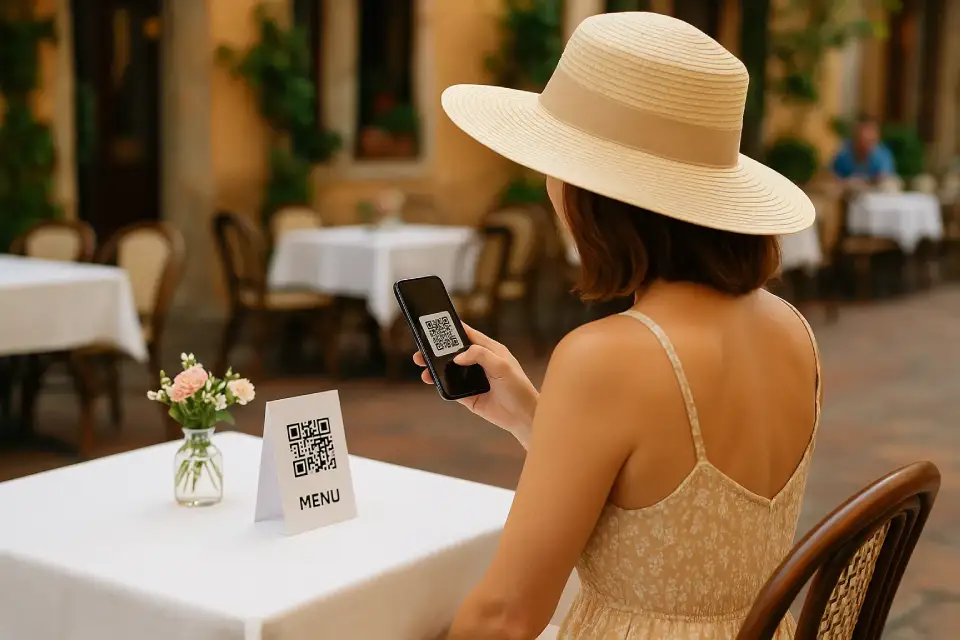
Enhance Guest Experience with Smart Integrations
Embed your location directly into your digital QR menu using Google Maps — ideal for food trucks and mobile vendors.
View Examples → or Just Try for Free →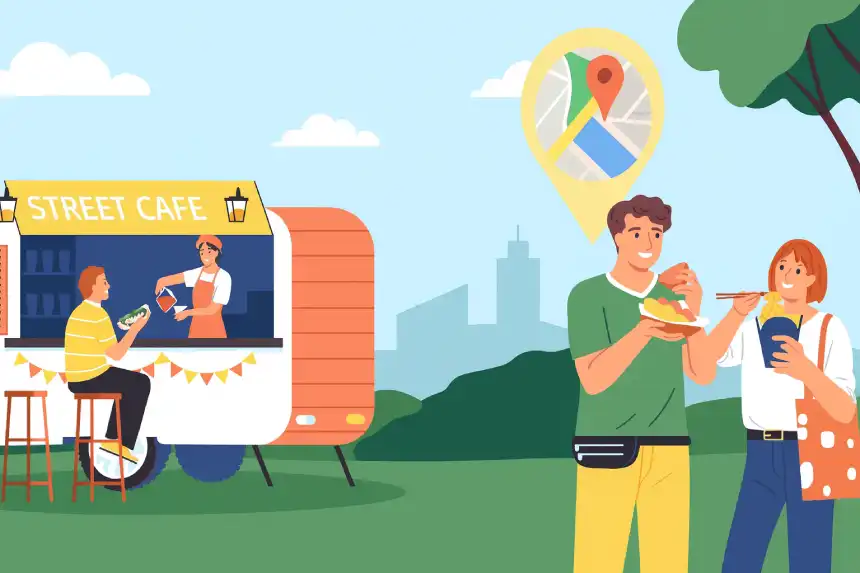
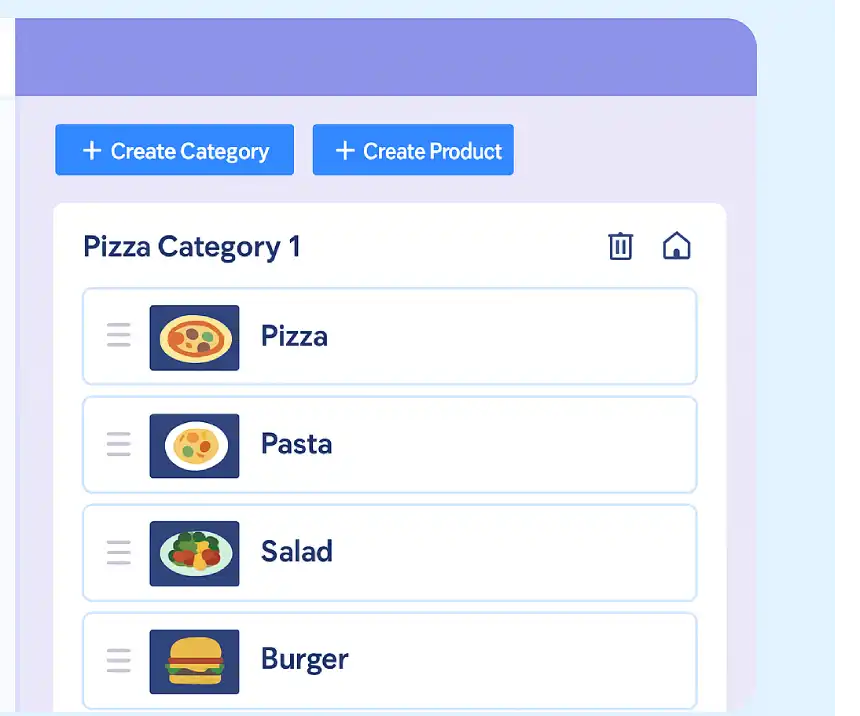
Total Control with Reorder & Zero-Learning Dashboard
Drag-and-drop menu structure with zero-learning curve — anyone can update menus instantly.
Try the Dashboard →Simplify Connections with Wi-Fi Access QR Code
Guests connect instantly to your Wi-Fi by scanning the QR code — perfect for cafés, hotels, and coworking spaces.
Create Wi-Fi QR →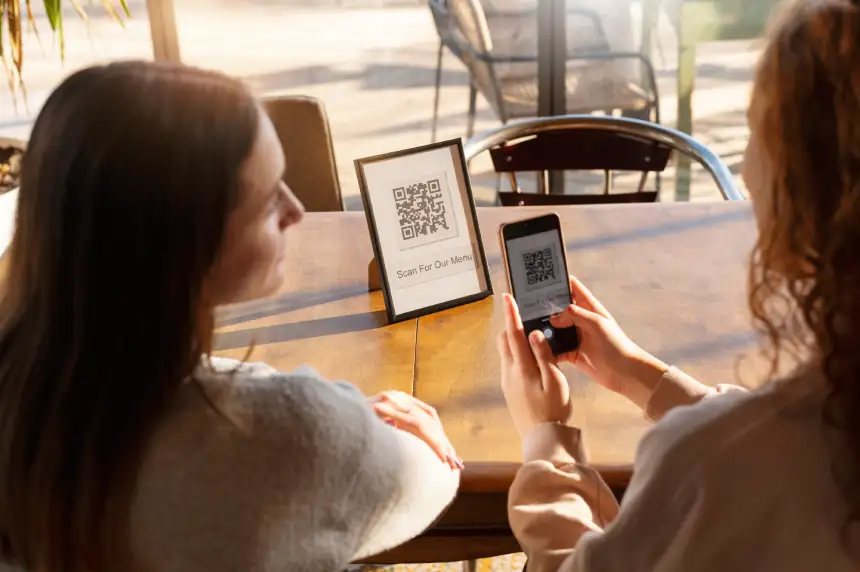
CREATE YOUR FIRST MENU
IN UNDER 5 MINUTES
No learning curve. No setup stress.
Just a ready-to-use demo menu — instantly generated.
Edit items, change prices, add images — everything updates instantly. No technical knowledge required. If you can use a phone, you can use MyQRMenu.
We guide you step by step with an automatic onboarding flow that generates a demo QR menu for your restaurant. In minutes, you’ll see real categories, real products and real prices — exactly how your customers will see them.
Create account & start onboarding
Auto-generated demo menu appears
Edit & publish your QR menu
Why Restaurants Choose My QRMenu
More control. Less work. Zero learning curve.
Printing menus costs money → Stop reprinting
Change prices or add dishes instantly.
No printing, no delays, no extra costs.
Outdated menus confuse guests → Always updated
Customers always see the correct menu, prices, and availability in real time.
Manual menu switching wastes time → Fully automated
Breakfast, lunch, dinner, happy hour — menus change automatically.
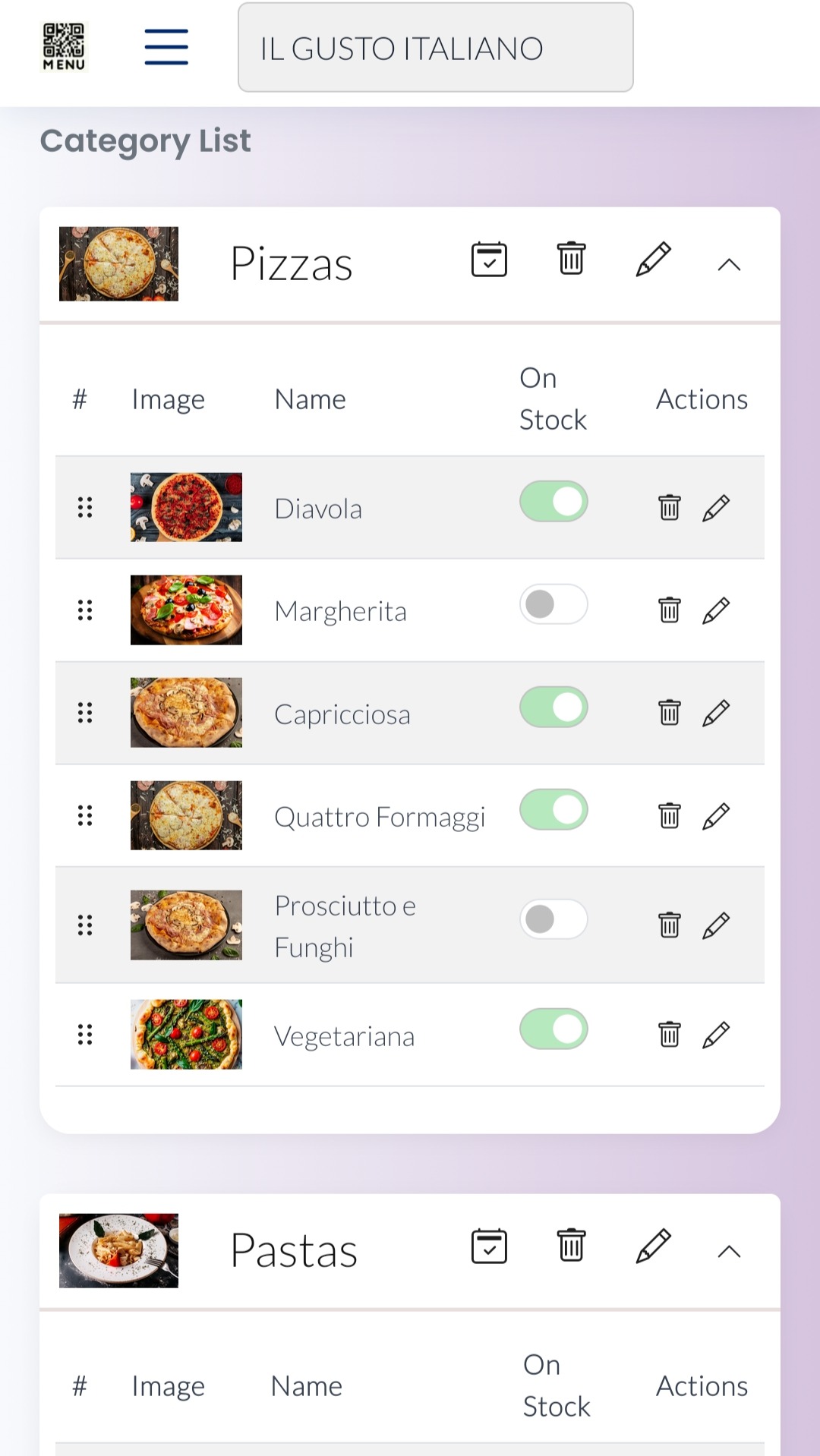
Multiple menus become messy → One organized dashboard
Manage all menus and locations in one clean place.
Complex systems slow staff down → Extremely easy to use
Anyone can create and update a menu in minutes. No training needed.
Daily menu mistakes hurt sales → Fewer errors, smoother service
No wrong prices, no unavailable items, no staff frustration.
Find the Plan That Fits Your Restaurant
Whether you’re running a café, bar, or hotel — we’ve got a plan for every business size.
See Pricing Plans